
How to create stories with AI for kids: a step-by-step guide
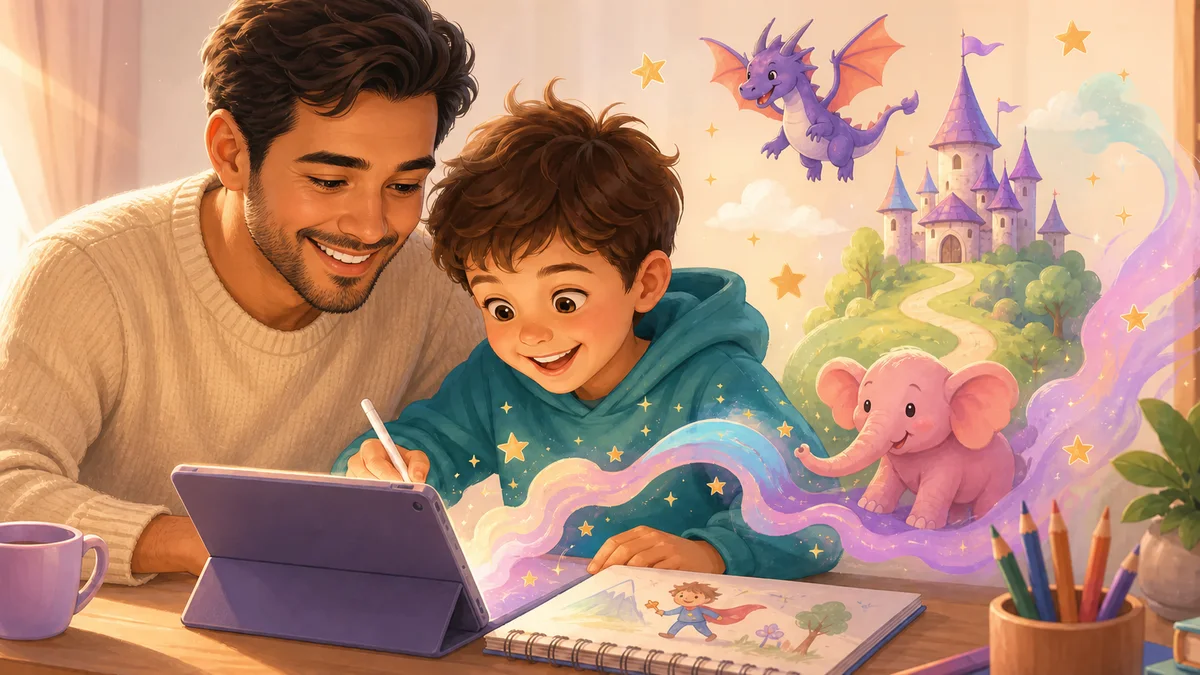
Creating stories with AI for kids is one of the richest experiences a family can share — and also one of the simplest to start. All it takes is an idea, a favourite character and a few clicks for imagination to come alive as a narrative.
In this guide you'll understand why storytelling still matters (more than ever), what creating stories with AI really means, and how to take the first steps safely — whether at home or in the classroom.
Why stories are essential to a child's development
Long before any technology existed, stories were the main way culture, values and emotions were passed between generations. That hasn't changed — but now we have tools that make the act of creating even more accessible.
From a child-development standpoint, creating and listening to stories activates several cognitive dimensions at once:
- ✓Language and vocabulary. Children who create stories naturally learn new words, sentence structures and ways to express complex emotions.
- ✓Empathy. By bringing to life characters with feelings and dilemmas, a child learns to put themselves in someone else's shoes — an essential social skill.
- ✓Narrative thinking. Every problem has a beginning, middle and end. Structuring a story teaches cause-and-effect thinking — the basis of logical reasoning.
- ✓Emotional regulation. Creating characters who face fears, joys or losses is a safe way to process difficult feelings.
- ✓Self-confidence. Seeing their own idea turned into a real, beautiful story tells a child: my imagination matters.
What creating stories with AI means — and what it doesn't
There's a common misconception: thinking that "creating stories with AI" means asking the machine to write while the child simply reads the result. That isn't creation — it's consumption.
Truly creating stories with AI is the opposite: the child decides the character, the setting, the problem, the adventure and the ending. The AI acts as a creative partner that gives shape to ideas, suggests directions, fills in details and — when well designed — always hands control back to who matters: the child.
The golden rule: if by the end of the session the child feels that they created the story, the tool worked as it should. If they feel they only watched, something is wrong.
At NanoKoala, the storytelling lab was built around this principle. The child chooses every element — and the AI expands what they imagined, never replacing their imagination.
Step by step: how to create the first story with AI for kids
You don't need any tech experience to begin. Follow these steps in your first session with your child:
- Choose the hero. Who is the main character? It can be an animal, a child like yours, a robot or a completely made-up being. The more specific the description ("a pink elephant who's afraid of butterflies"), the more interesting the story becomes.
- Set the scene. Where does the story happen? Jungle, outer space, an underwater city, an ice-cream castle? Let the child pick the wildest, most fun place they can imagine.
- Create the problem. Every good story needs a challenge. What goes wrong? Did the hero lose something? Meet a villain? Need to solve a mystery? This is the most important part — and the richest for sparking reasoning.
- Build the adventure together. From here the AI suggests paths and the child chooses: "Should the elephant ask the butterfly for help or try alone?" Each decision shapes the story in a unique way.
- Resolve and celebrate. How is the problem solved? The child decides the ending — happy, surprising, funny. Then save the story and share it with the family. That moment of celebration is crucial to reinforce the sense of authorship.
Tip for the first session: be present. Sitting together and asking questions ("and what happens next?", "how is the character feeling?") turns the activity into an affectionate memory — not just learning.
Types of stories kids love to create with AI
Every child has a favourite genre. Here are the most popular ones and what each develops:
Stories with AI at NanoKoala: how it works in practice
NanoKoala's storytelling lab was designed for children aged 4 to 12, with three modes of use:
- ✓Guided mode (ages 4–7). The child chooses from visual options — characters, settings, challenges — and the AI builds the story automatically with illustrations. No need to read or write.
- ✓Collaborative mode (ages 8–10). The child writes parts of the story and the AI completes it, suggests twists and generates images for each chapter. The result can be saved as a digital book.
- ✓Author mode (ages 11–12). Full control of the narrative. The AI acts as an editor: it suggests improvements, checks consistency and helps build more complex characters. Ideal for children who already love writing.
👉 Try the NanoKoala Storytelling Lab now → and create the first story with your child in just a few minutes.
All generated content is moderated in real time. There is no possibility of the AI creating anything inappropriate — the narrative universes are pre-approved and the child only navigates within them. To learn more about how safety works, see our child-safety page →
New to NanoKoala? Read our complete guide to AI for children → to understand the bigger picture before you start.
Stories with AI vs. traditional books: it's not a competition
One of the questions parents ask most: "But what about books? Won't AI replace reading?"
The short answer is no — and the long answer is that the two experiences complement each other in ways few people imagine.
The traditional book develops receptive imagination: the child receives the narrative and builds the images, sounds and emotions internally. It's a deep and irreplaceable exercise. A story created with AI develops active imagination: the child projects outward what they imagine, makes decisions and sees the result. They're different muscles — and both need exercise.
In practice, the ideal is to use both. Read physical books with your child. And create stories with AI together. The combination is more powerful than either one alone.
Frequently asked questions
My child can't read yet. Can they create stories with AI?
Yes. In NanoKoala's guided mode, all interaction is visual — the child chooses characters and situations through images, not text. The AI narrates the story aloud. From age 4 it can be used with full autonomy.
Can the AI create inappropriate content in the stories?
At NanoKoala, no. The platform operates with closed, pre-approved and moderated narrative universes. The child has no access to an open generative AI — they interact within a structured, safe environment appropriate for their age group. See how parental controls work →
How much time per day is appropriate for creating stories with AI?
The same screen-time recommendations apply: up to 1 hour a day for children under 6, monitored and purposeful use for older children. The good news is that creating stories is an active activity — very different from passively watching videos. Even so, balance is essential.